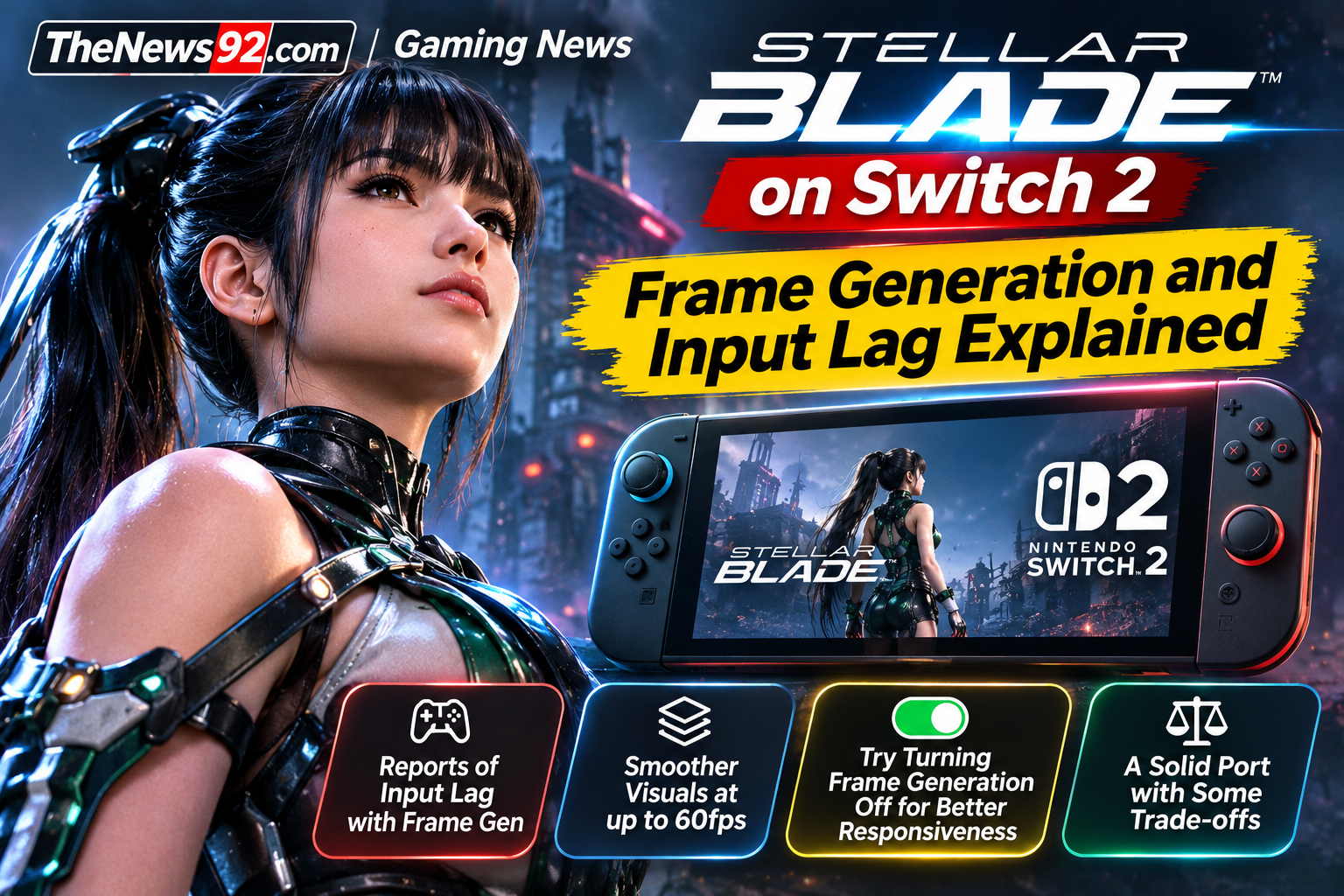
November 7, 2026: Stellar Blade: Complete Edition brings Shift Up’s action game to Nintendo Switch 2, but early technical reviews identify a trade-off between smooth-looking animation and responsive combat. GameSpot and Nintendo Life report that frame generation can make movement appear fluid while introducing input latency that affects timing-sensitive actions.
Why the Switch 2 port feels less responsive
The Switch 2 version targets a 60fps presentation using frame interpolation. However, generated frames do not increase the frequency at which the underlying game responds to controller inputs. Reviewers describe a noticeable delay when attempting parries and dodges, actions central to the game’s combat system.
This does not mean every player will experience identical problems. Responsiveness can depend on display settings, play style and sensitivity to latency.
How to reduce input lag
Shift Up added a Frame Generation Toggle after feedback on the demo. Players concerned about delayed inputs can open the game’s settings and switch frame generation off. Reviews say this generally improves controller responsiveness, although the resulting frame rate is lower and may fluctuate.
Players should test both settings before deciding which trade-off works best for them. Turning frame generation off is an available workaround, not a guarantee that all performance issues disappear.
Is the Switch 2 version worth playing?
The handheld option is a major benefit for players who want to take the game on the go. Nintendo Life rated the port 7/10 and considered it enjoyable despite performance limitations. GameSpot was more cautious, particularly for players with access to the PlayStation 5 or a capable PC.
The Complete Edition also includes previously released additional content and Switch 2-specific extras. Buyers who prioritise precise combat may prefer to try the demo and compare the controls with other platforms before purchasing.
What to know before buying
- Main concern: Frame-generated smoothness can mask input latency.
- Available setting: Turn off frame generation for tighter control response.
- Trade-off: Lower or less stable visual frame rate with frame generation disabled.
- Best reason to choose Switch 2: Portable play and included additional content.
Sources: GameSpot video analysis; GameSpot’s written analysis; Nintendo Life’s Switch 2 review. This is a synthesis of published reviews, not an independent hands-on test by TheNews92.